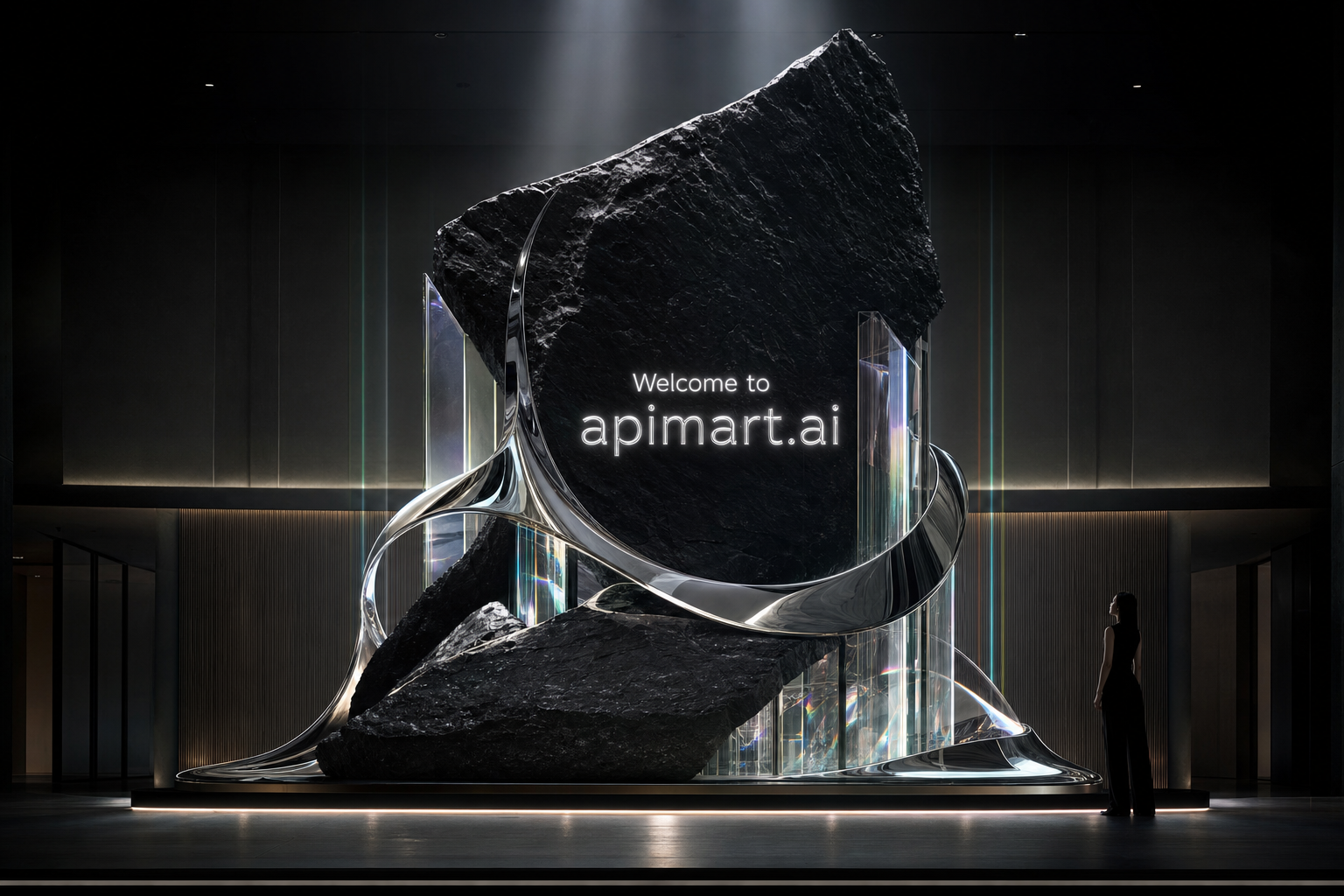
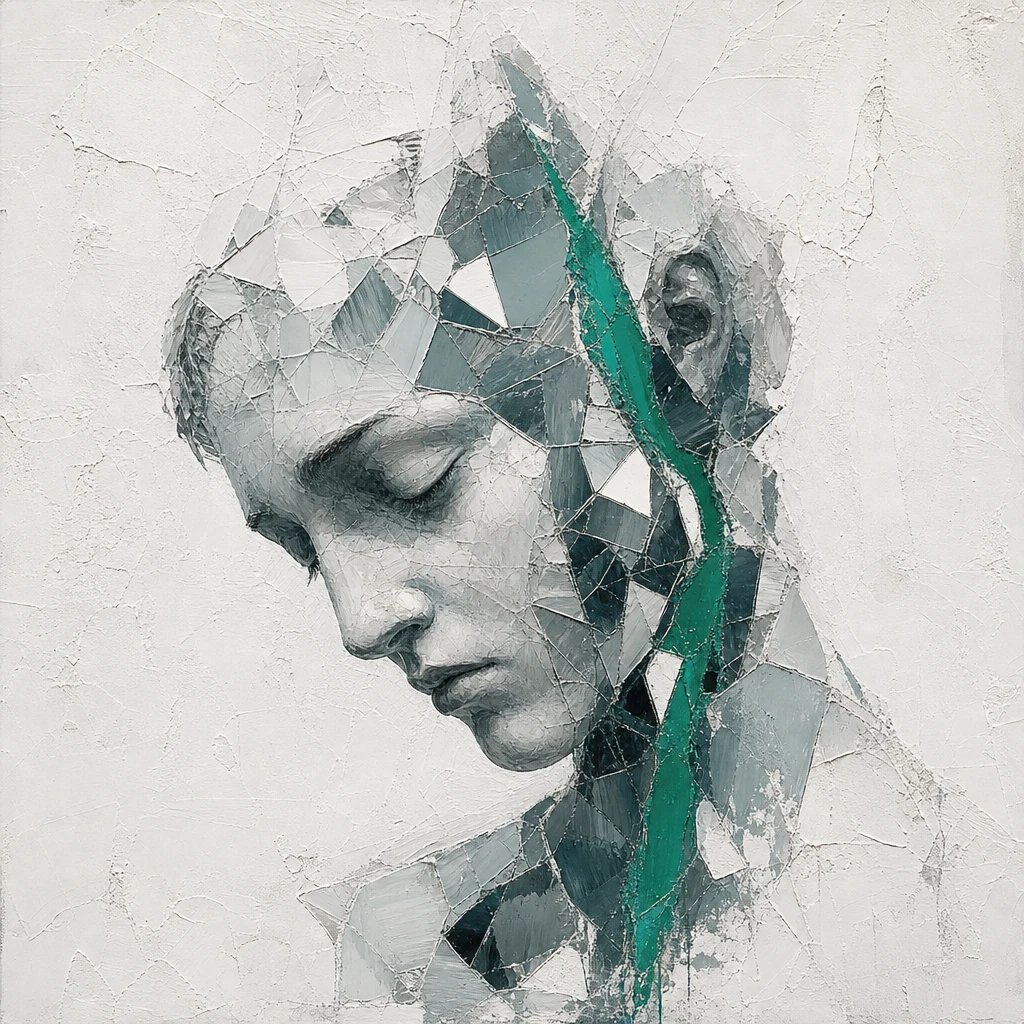
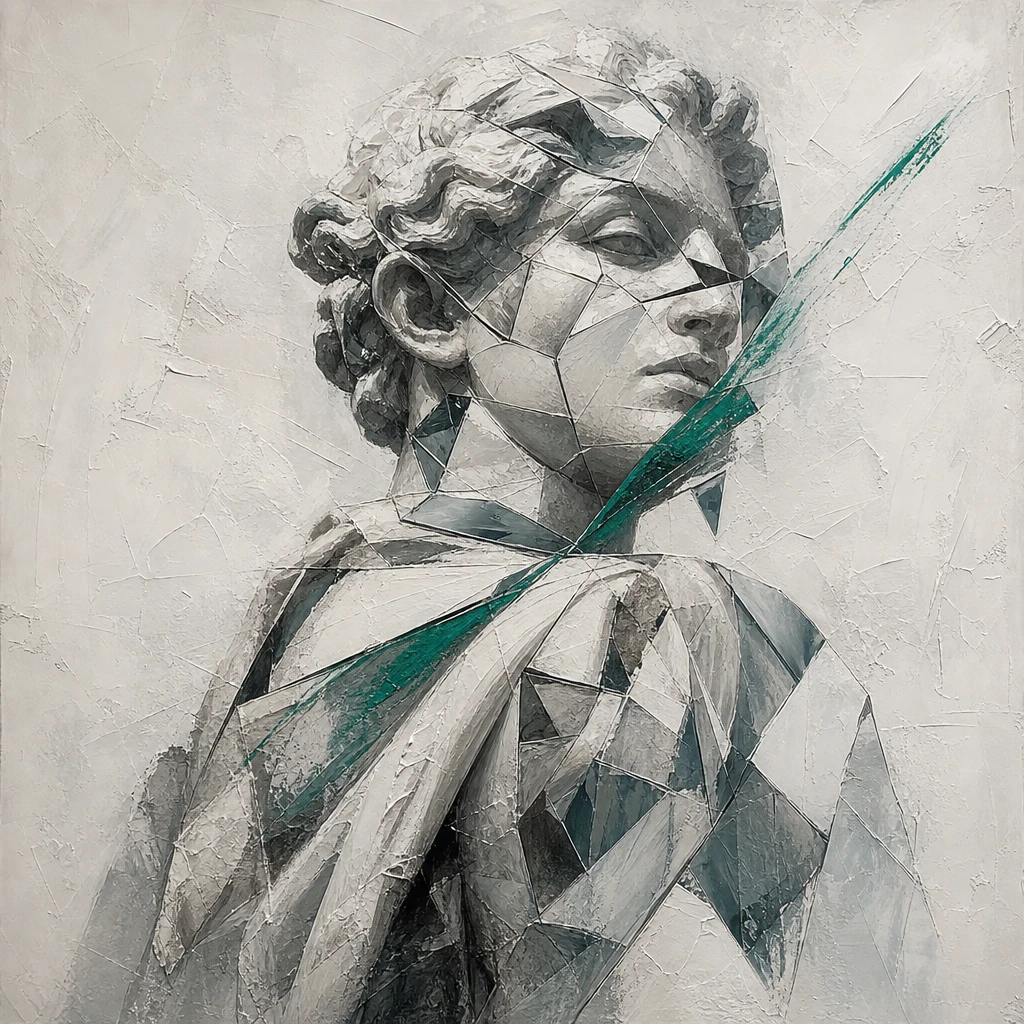
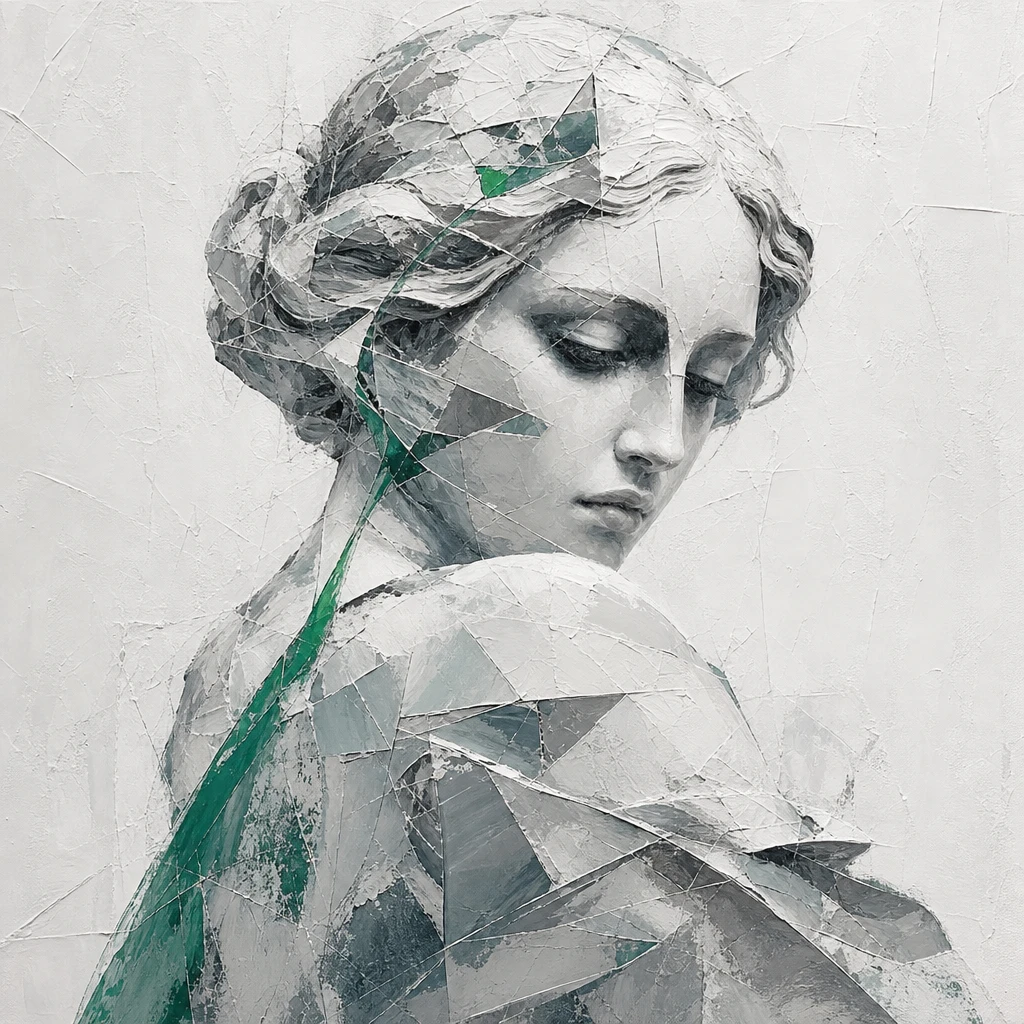
MiniMax H3 Image is MiniMax's image generation and editing model, released on November 11, 2026. On APIMart you call it with the model ID minimax-h3-image for text to image and reference-image editing at 1K, 2K or 4K.
Service Highlights

Image link valid for 72 hours
Transparent pricing with no hidden fees. Pay only for what you use.
| Variant | Tier | GoldCurrent price | Platinum | Diamond | Official | Your savings |
|---|---|---|---|---|---|---|
minimax-h3-imagePrices are estimates; actual cost is billed by token usage. | 1K/2K | 0.1891Credits/pic~$0.0189/pic | 0.1797Credits/pic~$0.018/pic | 0.1702Credits/pic~$0.017/pic | 0.2364Credits/pic~$0.0236/pic | 20% |
| 4K | 0.628Credits/pic~$0.0628/pic | 0.5966Credits/pic~$0.0597/pic | 0.5652Credits/pic~$0.0565/pic | 0.785Credits/pic~$0.0785/pic | 20% |
* Actual costs are subject to final output.
* Billed by tokens. The rows are single-image text-to-image estimates: image output plus about 2,000 text input tokens for prompt enhancement. Reference images add image input tokens. The cost field of each task shows the actual charge.
Generate images from a prompt, or edit with up to 16 reference images. Choose 1K, 2K or 4K with any aspect ratio from 1:3 to 3:1, or set exact pixels up to 20 million. One request returns up to 10 images, and built-in prompt enhancement expands short prompts for you.
Call MiniMax H3 Image on APIMart with one POST request. Generation is asynchronous: submit a task, then poll the task endpoint to get the image URLs.
Save your APIMart key in the APIMART_API_KEY environment variable and send it as Authorization: Bearer <key> on every request.
POST /v1/images/generations with model minimax-h3-image, your prompt, size and resolution. Add image_urls to edit with reference images. The task ID is in data[0].task_id.
Poll GET /v1/tasks/{task_id} every 3 to 5 seconds until status is completed, then read the image URLs from data.result.images[0].url. Results are kept for 72 hours, so download them in time.
See the MiniMax H3 Image API reference for every parameter, size rule and response field.
curl -X POST https://api.apimart.ai/v1/images/generations \
-H "Authorization: Bearer $APIMART_API_KEY" \
-H "Content-Type: application/json" \
-d '{
"model": "minimax-h3-image",
"prompt": "A cozy coffee shop by the sea at sunset, photorealistic, warm tones",
"size": "16:9",
"resolution": "2K"
}'import os
import time
import requests
API_BASE = "https://api.apimart.ai"
headers = {"Authorization": f"Bearer {os.environ['APIMART_API_KEY']}"}
# 1. Submit the generation task
payload = {
"model": "minimax-h3-image",
"prompt": "A cozy coffee shop by the sea at sunset, photorealistic, warm tones",
"size": "16:9",
"resolution": "2K"
}
resp = requests.post(f"{API_BASE}/v1/images/generations", headers=headers, json=payload, timeout=60)
resp.raise_for_status()
task_id = resp.json()["data"][0]["task_id"]
# 2. Poll the task until it finishes
for _ in range(200):
task_resp = requests.get(f"{API_BASE}/v1/tasks/{task_id}", headers=headers, timeout=30)
task_resp.raise_for_status()
task = task_resp.json()["data"]
if task["status"] == "completed":
print(task["result"]["images"][0]["url"][0])
break
if task["status"] == "failed":
raise RuntimeError(task.get("error", {}).get("message", "generation failed"))
time.sleep(3)
else:
raise TimeoutError(f"task {task_id} did not finish in time; continue GET polling with this task ID")curl -X POST https://api.apimart.ai/v1/images/generations \
-H "Authorization: Bearer $APIMART_API_KEY" \
-H "Content-Type: application/json" \
-d '{
"model": "minimax-h3-image",
"prompt": "Put the jacket from the second image on the person in the first image, keep the background unchanged",
"image_urls": [
"https://example.com/person.jpg",
"https://example.com/jacket.png"
],
"resolution": "2K"
}'TASK_ID="task_xxx" # replace with the task_id returned by the POST request
curl "https://api.apimart.ai/v1/tasks/$TASK_ID" \
-H "Authorization: Bearer $APIMART_API_KEY"| Parameter | Type | Required | Default | Description |
|---|---|---|---|---|
model | string | Required | Default: minimax-h3-image | Use minimax-h3-image. |
prompt | string | Required | Default: — | Image description, 1 to 32,000 characters after trimming. |
size | string | Optional | Default: auto | auto, an aspect ratio such as 16:9 (1:3 to 3:1), or pixels such as 2048x1152 (655,360 to 20,000,000 pixels in total). |
aspect_ratio | string | Optional | Default: — | Another way to pass the aspect ratio, such as 16:9. If set, it overrides size. |
resolution | string | Optional | Default: 4K | 1K, 2K or 4K. Cannot be used when size is in pixels. |
n | integer | Optional | Default: 1 | Number of images, 1 to 10. |
image_urls | string[] | Optional | Default: — | Up to 16 reference images as URLs or Base64 data URIs. Adding them switches to editing. |
prompt_optimizer | boolean | Optional | Default: true | Expands the prompt before generating. false works only for text to image with an explicit size. |
output_format | string | Optional | Default: jpeg | jpeg, png or webp. |
output_compression | integer | Optional | Default: 95 | Compression quality from 0 to 100. Ignored for png. |
watermark | boolean | Optional | Default: false | Adds a visible AI-generated watermark to the image. |
What MiniMax H3 Image can do and what you control on APIMart.
Common ways to use text to image and reference-image editing.
Three steps to your first MiniMax H3 Image request on APIMart.
Create an APIMart account and top up your balance. The balance works for MiniMax H3 Image and every other model on the platform.
Generate an API key in the dashboard. The same key calls MiniMax H3 Image, MiniMax H3 Image Highspeed and the MiniMax H3 video models.
POST to /v1/images/generations with model minimax-h3-image, or try the playground above first.
Excerpts from third-party reviews published in November 2026. Chinese-language excerpts are translated.
“MiniMax H3-Image belongs on the shortlist for high-resolution visual creation.”
AI product founder's review
Third-party review published in November 2026
“H3-Image fits concept exploration, poster directions, and the selection of high-resolution visual assets. … For a finished design, a readable title cannot replace checking every word.”
AI product founder's review
Third-party review published in November 2026
“Skin keeps its natural texture, and the details in hair, clothing and lighting are rich enough, without the over-smoothed, greasy look common in AI-generated portraits.”
Tech media hands-on test
Hands-on article published in November 2026
“The text in the image was generated almost entirely correctly, with no obvious errors, and the overall styling stayed consistent with the rest of the picture.”
Tech media hands-on test
Hands-on article published in November 2026
“In this round, GPT Image is more accurate if you care about conveying information, but for aesthetics and photographic mood I lean toward H3 Image.”
Tech media review
November 2026, comparison test with GPT Image 2.6
“H3 Image can indeed already generate documentary-style photos that feel true to life, but in pursuing realistic texture it may sacrifice accuracy on specific instructions.”
Tech media review
November 2026, comparison test with GPT Image 2.6
Answers about MiniMax H3 Image parameters, sizes, pricing and integration on APIMart.
MiniMax H3 Image is an image generation and editing model that MiniMax released on November 11, 2026. On APIMart you call it with the model ID minimax-h3-image through POST /v1/images/generations, for both text to image and reference-image editing.
model and prompt (1 to 32,000 characters) are required. Optional: size (auto, an aspect ratio or pixels), aspect_ratio, resolution (1K, 2K or 4K, default 4K), n (1–10), image_urls (up to 16), prompt_optimizer (default true), output_format (jpeg, png or webp), output_compression (0–100, default 95) and watermark (default false). quality, style, seed, negative_prompt, background and mask_url are not supported and are ignored.
Yes. Add image_urls with up to 16 reference images and describe the change in prompt. It is the same endpoint as text to image. Reference images can be JPG, PNG, WebP, HEIC or HEIF, up to 64 MB each, with each side between 128 and 8192 pixels. size and resolution also apply to edits, and prompt enhancement is always on when editing.
There are three ways. Pass resolution (1K, 2K or 4K) with size as an aspect ratio such as 16:9. Pass size in pixels such as 2048x1152, without resolution. Or leave size out and the model picks the ratio from your prompt. Ratios must be between 1:3 and 3:1, and pixel sizes between 655,360 and 20,000,000 pixels in total. The output pixels may differ slightly from the tier, so use pixels when you need an exact size.
The default is 4K, about 16 megapixels, with the aspect ratio chosen by the model. If you do not need 4K, pass resolution 1K or 2K, which costs about one third as much. 1K and 2K cost almost the same, so 2K is usually the better choice.
Pass prompt_optimizer: false. It works only for text to image, and you must set size to an aspect ratio or a pixel size, not auto. With enhancement off, the model reads only about the first 4,096 tokens of the prompt. In editing mode, enhancement cannot be turned off.
It is billed by tokens: text input, reference image input and image output. A 1K or 2K image uses about 4,096 output tokens, and a 4K image about width × height ÷ 1024, around 16,400. Prompt enhancement adds about 2,000 text input tokens per image. See the pricing table on this page for current per-image estimates. The cost field of each task shows the actual charge.
A failed task is refunded in full automatically. If you request several images and some of them fail, the task still completes, the url array contains only the successful images, and you are billed only for those. Invalid parameters return HTTP 400 without creating a task or charging you.
APIMart's integration docs report about 10 to 20 seconds for a single 1K or 2K image and about 20 seconds for 4K or a reference-image edit in testing, and note that the Highspeed variant is faster. Actual time varies. Poll every 3 to 5 seconds and allow up to 10 minutes before timing out.
Both accept the same parameters and offer the same capabilities. MiniMax H3 Image Highspeed (model ID minimax-h3-image-highspeed) generates faster, and its image input and output token rates are twice those of MiniMax H3 Image (model ID minimax-h3-image). Use Highspeed when speed matters and the standard model for batch generation.
POST /v1/images/generations with your APIMart key, model minimax-h3-image and a prompt. The response returns a task ID in data[0].task_id. Poll GET /v1/tasks/{task_id} until the status is completed, then read the image URLs from data.result.images[0].url, an array that holds every image of the request. Results are kept for 72 hours, so download them in time.
Sign up for APIMart, add funds and create a key on the API Keys page of your dashboard. The same key works for MiniMax H3 Image and the other models on the platform.
Explore more models in the same category.

MiniMax H3 Image Highspeed
Built for speed. The same coverage puts it at about 3 to 4 times faster than mainstream tools, which suits batch jobs or anything that needs fast turnaround.

Seedream 5.5
Seedream 5.5 brings your imagination to life through expressive visuals. From dreamy illustrations to cinematic scenes and product concepts, explore color, texture, and light to shape images that tell your story.

GPT Image 2.6 Sunburst
GPT Image 2.6 Sunburst brings a fresh burst of creativity to your ideas. From vibrant illustrations to atmospheric scenes and striking product concepts, explore rich colors, expressive lighting, and thoughtful compositions that make your vision shine.

GPT Image 2.6 Flare
GPT Image 2.6 Flare brings your imagination into focus, turning creative ideas into expressive visuals. From cinematic scenes and bold illustrations to polished product concepts, explore color, light, and composition to give every idea its own distinctive look.