Seedream 5.0 Pro is ByteDance's quality-first image model, served on APIMart as seedream-5-0-pro. One endpoint covers text to image, image editing with up to 10 reference images, point and box precision edits, and layer decomposition, at 1K, 1.5K, 2K or an exact pixel size.
Transparent pricing with no hidden fees. Pay only for what you use.
Pricing by specification
Standard Generation
Variant
Tier
GoldCurrent price
Platinum
Diamond
Official
Your savings
seedream-5-0-pro
1K
0.36Credits/pic~$0.036/pic
0.342Credits/pic~$0.0342/pic
0.324Credits/pic~$0.0324/pic
0.45Credits/pic~$0.045/pic
20%
1.5K
0.36Credits/pic~$0.036/pic
0.342Credits/pic~$0.0342/pic
0.324Credits/pic~$0.0324/pic
0.45Credits/pic~$0.045/pic
20%
2K
0.72Credits/pic~$0.072/pic
0.684Credits/pic~$0.0684/pic
0.648Credits/pic~$0.0648/pic
0.9Credits/pic~$0.09/pic
20%
Reference image (first 1 free, then each)
0.024Credits/pic~$0.0024/pic
0.0228Credits/pic~$0.0023/pic
0.0216Credits/pic~$0.0022/pic
0.03Credits/pic~$0.003/pic
20%
Layer Decomposition
Up to 17 output images are precharged. Unused credits are returned after completion.
Variant
Tier
GoldCurrent price
Platinum
Diamond
Official
Your savings
seedream-5-0-pro
1K
0.18Credits/pic~$0.018/pic
0.171Credits/pic~$0.0171/pic
0.162Credits/pic~$0.0162/pic
0.225Credits/pic~$0.0225/pic
20%
2K
0.36Credits/pic~$0.036/pic
0.342Credits/pic~$0.0342/pic
0.324Credits/pic~$0.0324/pic
0.45Credits/pic~$0.045/pic
20%
* Actual costs are subject to final output.
Featured examples
Start from a concrete creative task
Pick an example to load the model, prompt and full settings, then adjust it your way.
Reference
01 · Consistent character series
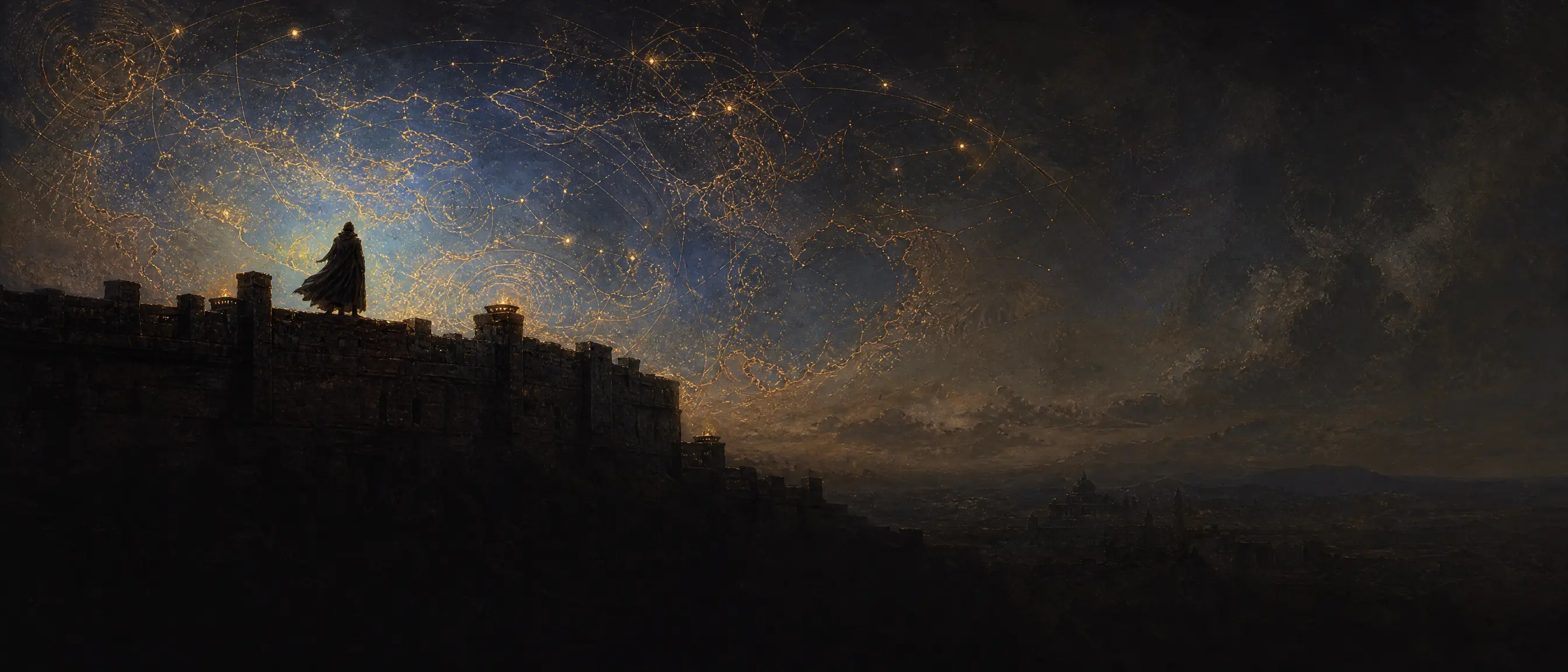
A three-panel portrait series of one model
Load the identity reference to create three panels with different looks, light and settings, then check that every panel shows the same person. See the edited result in the output area.
Multi-image blend · With reference image · 3:4 · 1K
Reference
02 · Consistent brand series
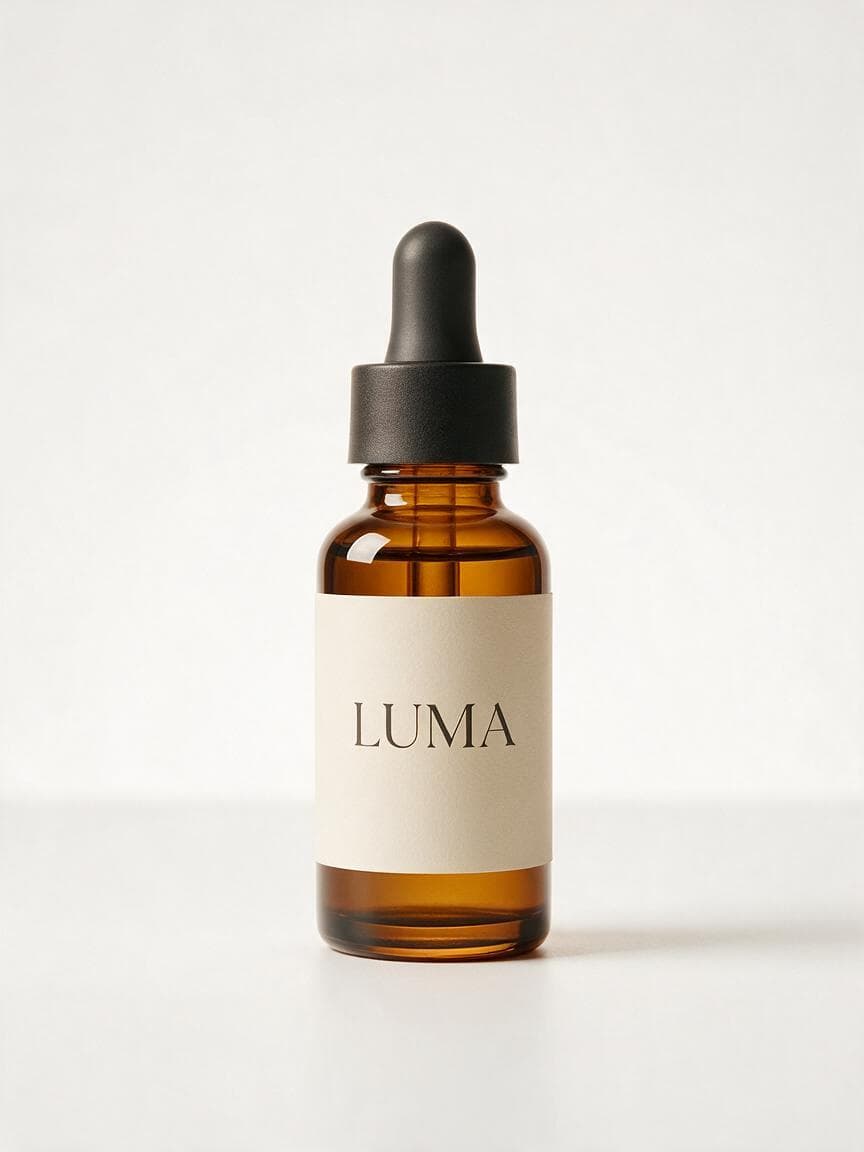
A three-panel LUMA serum campaign
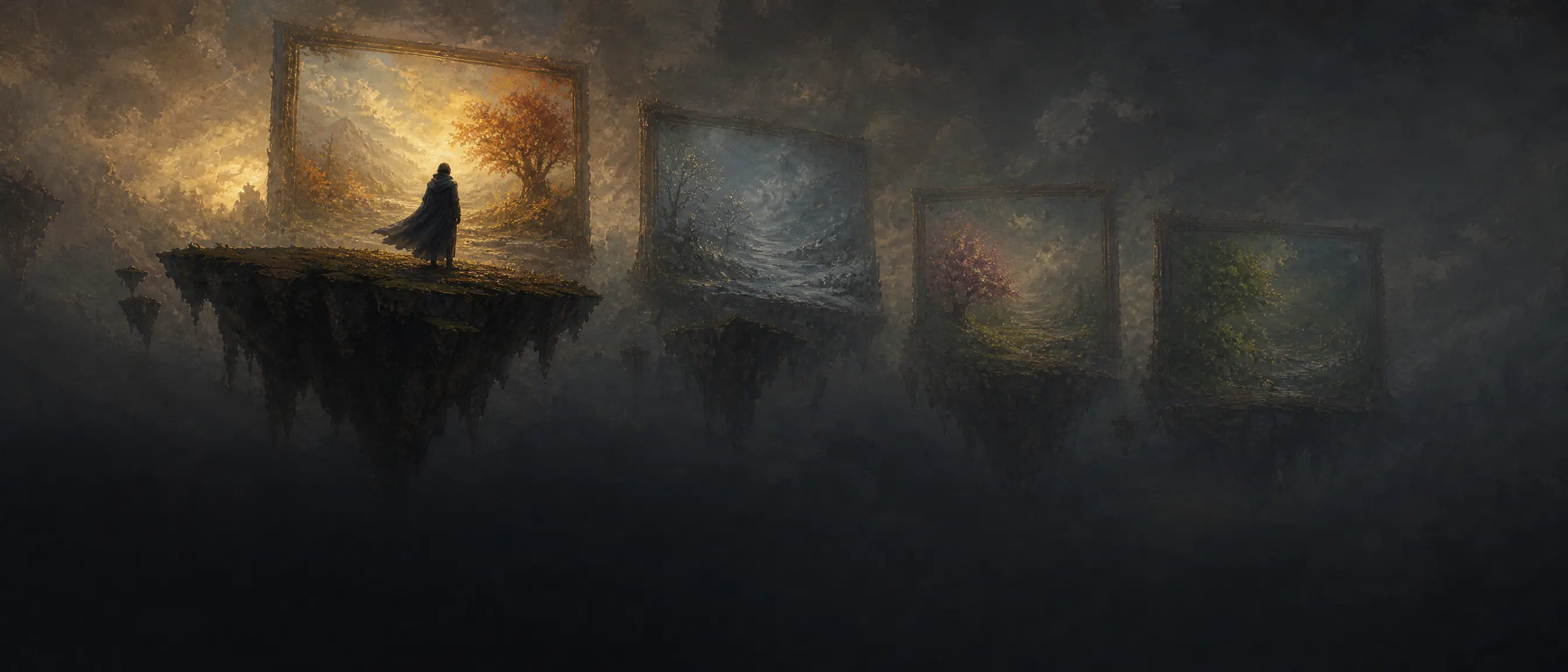
Load the product image and the material moodboard in order to create a matching three-panel campaign, then check the bottle, label and palette stay consistent. See the edited result in the output area.
Multi-image blend · With reference image · 3:4 · 1K
Reference
03 · Multi-image compositing
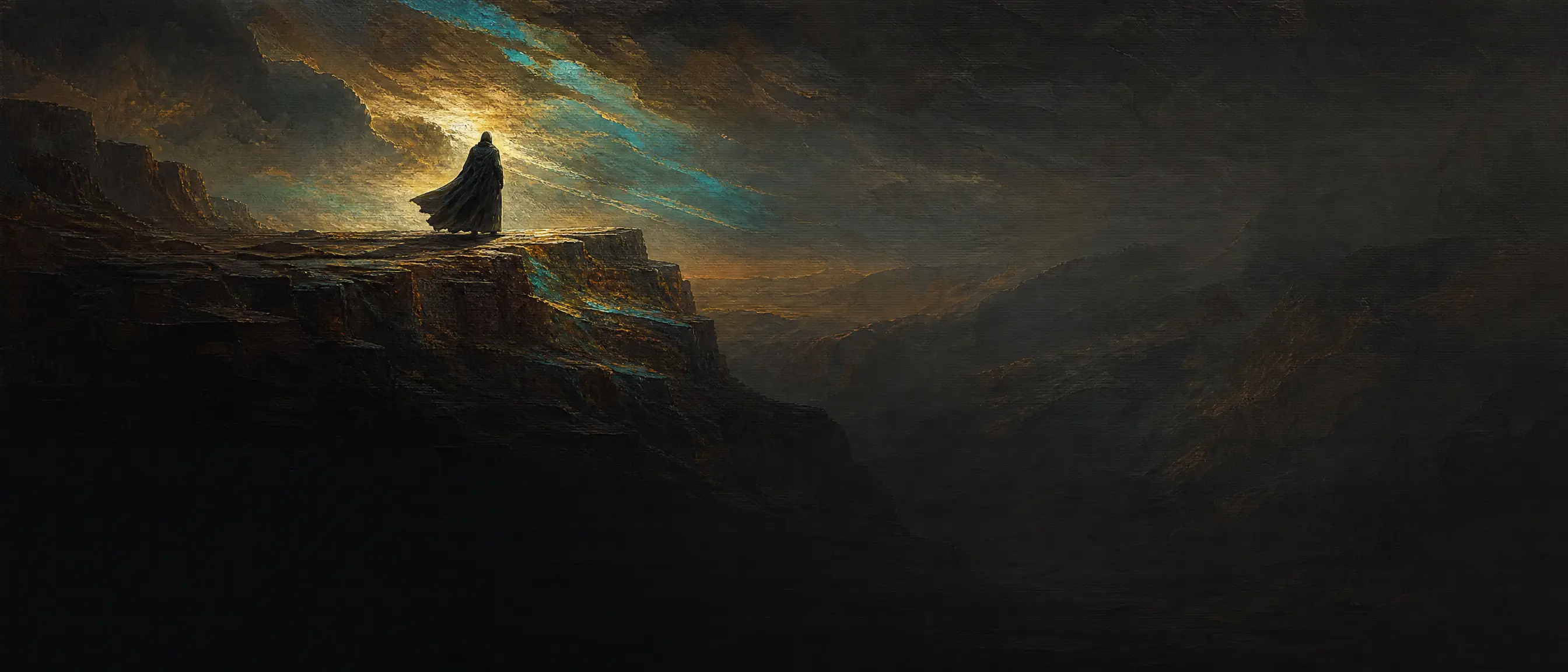
Composite a model into a desert editorial
Load the person and the location in order, keep her look and outfit, and blend her into the desert rock scene, then check the light direction and shadows. See the edited result in the output area.
Multi-image blend · With reference image · 3:4 · 1K
ByteDance Seedream 5.0 Pro API for Text Posters, Product Images and Image Editing
The Seedream 5.0 Pro API gives you ByteDance's quality-first image model through one APIMart key. Render posters with readable headlines, keep product shots consistent across a catalog, and edit photos with up to 10 reference images. Output is billed per image: 1K and 1.5K share one price, 2K costs more, and every reference image after the first is charged separately.
Seedream 5.0 Pro API Example: Text to Image and Image Editing
Call seedream-5-0-pro on APIMart with one POST request. Generation is asynchronous: submit a task, then poll the task endpoint to get the image URL.
1
Authenticate Seedream 5.0 Pro API requests
Save the key you created above in the APIMART_API_KEY environment variable and send it as Authorization: Bearer <key> on every request. An invalid key returns HTTP 401 and an empty balance returns 402.
2
Submit a Seedream 5.0 Pro task
POST /v1/images/generations with model seedream-5-0-pro, your prompt, size and resolution. Add image_urls to edit images. The response returns a task_id.
3
Get the Seedream 5.0 Pro result
Send GET /v1/tasks/{task_id} every few seconds until the task is completed, then read the image URL from result.images[0].url[0]. Results are kept for 72 hours, so download the files you want to keep. Failed tasks are refunded in full.
curl -X POST https://api.apimart.ai/v1/images/generations \
  -H "Authorization: Bearer $APIMART_API_KEY" \
  -H "Content-Type: application/json" \
  -d '{
    "model": "seedream-5-0-pro",
    "prompt": "A minimalist summer sale poster with the headline \"SUMMER SALE\" in bold white letters, sliced citrus fruit on a pastel blue background",
    "size": "16:9",
    "resolution": "1.5K",
    "output_format": "png"
  }'
import os
import time
import requests

API_BASE = "https://api.apimart.ai"
headers = {"Authorization": f"Bearer {os.environ['APIMART_API_KEY']}"}

# 1. Submit the generation task
payload = {
  "model": "seedream-5-0-pro",
  "prompt": "A minimalist summer sale poster with the headline \"SUMMER SALE\" in bold white letters, sliced citrus fruit on a pastel blue background",
  "size": "16:9",
  "resolution": "1.5K",
  "output_format": "png"
}
resp = requests.post(f"{API_BASE}/v1/images/generations", headers=headers, json=payload, timeout=60)
resp.raise_for_status()
task_id = resp.json()["data"][0]["task_id"]

# 2. Poll the task until it finishes
for _ in range(200):
    task_resp = requests.get(f"{API_BASE}/v1/tasks/{task_id}", headers=headers, timeout=30)
    task_resp.raise_for_status()
    task = task_resp.json()["data"]
    if task["status"] == "completed":
        print(task["result"]["images"][0]["url"][0])
        break
    if task["status"] == "failed":
        raise RuntimeError(task.get("error", {}).get("message", "generation failed"))
    time.sleep(3)
else:
    raise TimeoutError(f"task {task_id} did not finish in time; continue GET polling with this task ID")
curl -X POST https://api.apimart.ai/v1/images/generations \
  -H "Authorization: Bearer $APIMART_API_KEY" \
  -H "Content-Type: application/json" \
  -d '{
    "model": "seedream-5-0-pro",
    "prompt": "Dress the person in image 1 in the dress from image 2, keep the pose, face and lighting unchanged",
    "image_urls": [
      "https://example.com/person.jpg",
      "https://example.com/dress.jpg"
    ],
    "resolution": "2K",
    "size": "auto"
  }'
TASK_ID="task_xxx"  # replace with the task_id returned by the POST request
curl "https://api.apimart.ai/v1/tasks/$TASK_ID" \
  -H "Authorization: Bearer $APIMART_API_KEY"
Seedream 5.0 Pro API Parameters
Parameter
Type
Required
Default
Description
model
string
Required
Default: seedream-5-0-pro
Model ID. Use seedream-5-0-pro; seedream-5.0-pro is also accepted.
prompt
string
Required
Default: —
Text description of the image or the edit. Keep it under about 600 English words. May be omitted when layer_decomposition is true.
size
string
Optional
Default: auto
A tier (1K, 1.5K, 2K), auto, an aspect ratio (1:1, 4:3, 3:4, 16:9, 9:16, 3:2, 2:3, 2:1, 1:2, 21:9) or an exact pixel size such as 2048x1024 (921,600–4,624,220 total pixels, ratio 1:16 to 16:1).
resolution
string
Optional
Default: 1K
Resolution tier: 1K, 1.5K or 2K. 1.5K costs the same as 1K. Ignored when size is an exact pixel size.
image_urls
array
Optional
Default: —
Up to 10 reference images as public URLs or base64 data URIs, max 30 MB each. Adding them switches to image editing. The first image is free; each additional image adds a fee.
output_format
string
Optional
Default: jpeg
Output format: jpeg or png.
background
string
Optional
Default: opaque
opaque or transparent. transparent requires exactly one input image with an alpha channel and output_format png.
layer_decomposition
boolean
Optional
Default: false
Split exactly one PNG or JPEG input into a base image and up to 16 transparent PNG layers. size then accepts only 1K, 1.5K, 2K or auto.
optimize_prompt_options
object
Optional
Default: {"mode": "standard"}
Prompt optimization. Only the standard mode is supported.
watermark
boolean
Optional
Default: false
Add an "AI generated" watermark in the bottom-right corner.
nsfw_check
boolean
Optional
Default: false
Moderate the prompt and input images before the task is submitted.
n
integer
Optional
Default: 1
Number of images. Only 1 is supported; for batches use Seedream 5.0 Lite.
Seedream API Model Family
Compare every Seedream model on APIMart. One API key calls all of them through the same endpoint, billed per image.
Generation, editing and layer splitting on one endpoint, all from the same model ID
Text to Image with the Seedream 5.0 Pro API
Describe the scene and put any on-image words in double quotes. The model renders headlines, labels and short copy natively in Chinese, English, Japanese, Korean, Spanish, French, German and other languages, which suits posters, menus and infographics.
Image Editing with the Seedream 5 Pro API
Pass one image in image_urls and describe the change: swap the background, remove an object, restyle the scene or fix a detail. The same request format handles generation and editing, so there is no separate edit endpoint to integrate.
Multi-Reference Fusion in Seedream V5 Pro
Combine up to 10 reference images in one request, for example a person from image 1 and a dress from image 2. The first reference is free; each additional reference adds a fixed per-image fee shown in the pricing table.
Point and Box Precision Editing
Mark the exact area to change with <point>x y</point> or <bbox>x1 y1 x2 y2</bbox> coordinates in the prompt, or upload an image with hand-drawn marks. Edits stay inside the region you mark instead of repainting the whole picture.
Layer Decomposition with ByteDance Seedream 5.0 Pro
Set layer_decomposition to true and the model splits one PNG or JPEG into a base image plus up to 16 transparent PNG layers, each returned with its name, z-index and bounding box so you can rebuild or edit the design.
Seedream 5.0 Pro Resolution: 1K, 1.5K, 2K or Exact Pixels
Pick a 1K, 1.5K or 2K tier with ten aspect ratios from 21:9 to 1:2, or pass an exact size such as 2048x1024. 1.5K costs the same as 1K; exact sizes are billed by output area, with images up to 2,601,124 pixels in the lower tier.
Transparent Background Edits with Seedream-5.0-Pro
Edit a single PNG that already has an alpha channel and keep it transparent by setting background to transparent and output_format to png. Useful for stickers, product cut-outs and layers coming back from decomposition.
Pay Per Image, Refund on Failure
Each request returns one image and is billed only when it succeeds; failed tasks are refunded in full. Results are copied to APIMart storage, and optional nsfw_check and watermark switches are available on every call.
What You Can Build with the Seedream 5.0 Pro API
Three workflows the model handles best: text posters, product images and multi-reference editing
Text Posters and Infographics with Seedream 5.0 Pro
Generate sale posters, event banners and dense infographics with the headline written straight into the image. Quote the exact text in the prompt and choose 1.5K, which costs the same as 1K, for sharper type.
E-commerce Product Images with the Seedream 5 Pro API
Place one product photo into new scenes, seasons and backgrounds while keeping its shape and label intact. Exact pixel sizes such as 1600x1600 match marketplace image requirements without a resize step.
Virtual Try-On through Multi-Reference Editing
Send a model photo and a garment photo together and ask the model to dress one in the other. Up to 10 references let you add shoes, accessories or a target pose in the same request.
Brand Series with Seedream 5.0 Pro Image Editing
Reuse your logo, colour palette and character as reference images so every new visual in a campaign keeps the same look, then refine single details with point or box edits.
Editable Layers for Design Teams
Turn a flat poster into separate text, product and background layers with layer decomposition, then hand the PNG layers to designers or swap one element without regenerating the rest.
Localized Campaign Visuals
Produce the same layout with headlines in Japanese, Spanish, German or Indonesian by changing the quoted text in the prompt, keeping the other references and settings unchanged.
How to Get a Seedream 5.0 Pro API Key and Start Building
Set up your account, add balance and send your first request
1
Create an Account and Add Balance
Sign up for APIMart and top up your balance. Billing is pay-as-you-go with no minimum, and the balance works across every model on the platform.
2
Get Your Seedream 5.0 Pro API Key
Create a key in the console. You will send it in the Authorization header of every request.
3
Send Your First Request
POST to /v1/images/generations with model seedream-5-0-pro, a prompt and a resolution or exact size, then poll the returned task_id for the image URL.
What developers say about Seedream 5.0 Pro on APIMart
The cinematic quality is on another level. Our hero banners look like they came out of a photo studio, with lighting and detail we couldn't get elsewhere.
ATAlex ThompsonMarketing Tech Lead
Text rendering is spot on. We generate promotional posters with accurate headlines and CTAs directly from prompts — no more manual typesetting.
JPJessica ParkE-commerce Developer
Multi-reference fusion made our virtual try-on feature possible. Combining a model and a garment from two references just works, and it is now core to our product.
RCRyan ChenCreative Director
1.5K and 2K output exceeded our expectations. We use it for editorial imagery and need no upscaling to hit high resolution.
MSMaria SantosDesign Studio Owner
Pay-as-you-go pricing works for us. We get premium visuals with no monthly commitment or hidden fees.
KWKevin WuStartup CTO
Unified editing and generation means one service for everything. It replaced three other tools in our pipeline.
ELEmma LiuBackend Engineer
Seedream 5.0 Pro API FAQ
Answers about parameters, editing, resolution and pricing
What is Seedream 5.0 Pro?
Seedream 5.0 Pro is the quality-first image generation and editing model in ByteDance's Seedream 5.0 family. On APIMart its model ID is seedream-5-0-pro (seedream-5.0-pro is also accepted), and it is listed upstream as doubao-seedream-5-0-pro. You may also see it written as Seedream 5 Pro, Seedream V5 Pro or ByteDance Seedream 5.0 Pro.
What is the Seedream 5.0 Pro API and how does it work?
It is an asynchronous REST API. You POST /v1/images/generations with model seedream-5-0-pro and a prompt, receive a task_id, then poll GET /v1/tasks/{task_id} until the task is completed and read the image URL. The example section on this page has copy-ready cURL and Python code.
What parameters does the Seedream 5.0 Pro API support?
Required: model and prompt (prompt may be omitted only for layer decomposition). Optional: size, resolution (1K, 1.5K or 2K), image_urls (up to 10), output_format (jpeg or png), background (opaque or transparent), layer_decomposition, optimize_prompt_options, watermark and nsfw_check. n must be 1. The parameter table above lists defaults and limits.
What resolutions and sizes does Seedream 5.0 Pro support?
Use a 1K, 1.5K or 2K tier with auto or one of ten aspect ratios (1:1, 4:3, 3:4, 16:9, 9:16, 3:2, 2:3, 2:1, 1:2, 21:9), or an exact pixel size between 921,600 and 4,624,220 total pixels with an aspect ratio from 1:16 to 16:1. 1.5K costs the same as 1K. Exact sizes are billed by output area: up to 2,601,124 pixels uses the lower tier, larger outputs use the 2K tier.
Can Seedream 5.0 Pro edit images (image to image)?
Yes. Add one or more images in image_urls and describe the edit in the prompt. You can target a region with <point> or <bbox> coordinates or with hand-drawn marks on the image, and you can keep a transparent background by sending one PNG with an alpha channel together with background set to transparent and output_format set to png.
How do reference images work and how are they billed?
Send up to 10 images in image_urls as public URLs or base64 data URIs (jpeg, png, webp, bmp, tiff, gif, heic or heif, up to 30 MB and 36 million pixels each). The first reference image is free and every additional reference adds a fixed per-image fee, listed in the pricing table on this page.
What is Seedream 5.0 Pro layer decomposition and how is it billed?
With layer_decomposition set to true and exactly one PNG or JPEG input, the model returns a base image plus up to 16 transparent PNG layers with names and bounding boxes. Each output image is billed by its own size. The request reserves the cost of up to 17 images when submitted, then refunds the difference once the actual layers are counted.
Seedream 5.0 Pro vs Lite vs Flash: which should I use?
Choose Seedream 5.0 Pro for single images where quality, layer splitting and paid multi-reference editing matter. Choose Seedream 5.0 Lite when you need 2K to 4K output or batches of up to 15 images per request. Choose Seedream 5.0 Flash for high volume at a lower per-image price, with one price for every size. The comparison table below links each model page and the full Seedream API overview.
How do I write effective Seedream 5.0 Pro prompts?
Describe the subject, style, lighting and layout in plain sentences and keep the prompt under about 600 English words, since very long prompts can lose detail. Put on-image text in double quotes, refer to references as image 1, image 2 and so on, and use coordinates when an edit must stay in one place.
How do I call the Seedream 5.0 Pro API, and where are the docs?
Authenticate with Authorization: Bearer <your key>, POST /v1/images/generations on https://api.apimart.ai, then poll GET /v1/tasks/{task_id}. The full reference, including layer decomposition responses and error codes, is at docs.apimart.ai under Seedream-5.0-Pro image generation.
How much does the Seedream 5.0 Pro API cost per image?
Seedream 5.0 Pro pricing is per output image: 1K and 1.5K share one price, 2K is a higher tier, and each reference image after the first adds a fixed fee. The pricing table on this page shows current Gold member prices (20% off); Platinum and Diamond members save up to 28%, and you only pay for successful requests.
Is the Seedream 5.0 Pro API free?
No. There is no free quota for the Seedream 5.0 Pro API on APIMart. Billing is pay-as-you-go, you only pay for successful requests, and every price comes with 20% off.
How do I get a Seedream 5.0 Pro API key?
Sign up for an APIMart account, open the API Keys page and create a key. The same key works for the Seedream 5.0 Pro API and every other model on APIMart, with pay-as-you-go billing and no subscription.
Can Seedream 5.0 Pro generate several images in one request?
No. It is a single-image model: n must be 1, and sequential_image_generation, stream and tools are rejected with HTTP 400 before any charge. For batches of up to 15 images in one request, use Seedream 5.0 Lite.

 Reference