
MAI-Image-2.7 Flash API
MAI-Image-2.7 Flash API access to the optimized, lower-cost version of Microsoft AI's MAI-Image-2.7. Call it with one APIMart API key, with no Azure or Foundry deployment to set up. It shares the standard model's parameters: generate from text, edit one image or combine up to five references, and get one PNG of up to 2048×2048 per request, billed by actual tokens at roughly a third of the standard output rate.
Service Highlights
- Official Discounts
- Pay-as-you-go
- Fast & Low Latency
Run estimates image-output tokens only; text and reference-image input cost extra. The estimate is — when reference-based dimensions are unknown.
Generated image links are valid for 72 hours after completion. Save your images promptly.
MAI-Image-2.7 Flash API Pricing
Transparent pricing with no hidden fees. Pay only for what you use.
| Variant | Tier | GoldCurrent price | Platinum | Diamond | Official | Your savings |
|---|---|---|---|---|---|---|
mai-image-2.7-flashPrices are estimates; actual cost is billed by token usage. | 1K · 1024×1024 | 0.0819Credits(~$0.0082)/pic | 0.0778Credits(~$0.0078)/pic | 0.0737Credits(~$0.0074)/pic | 0.1024Credits(~$0.0102)/pic | 20% |
| 2K · 2048×2048 | 0.3277Credits(~$0.0328)/pic | 0.3113Credits(~$0.0311)/pic | 0.2949Credits(~$0.0295)/pic | 0.4096Credits(~$0.041)/pic | 20% |
* Actual costs are subject to final output.
* Image-output estimate only, using 1024×1024 for 1K and 2048×2048 for 2K. Text and reference-image input are billed separately; actual tokens determine the final charge.
Key Features of the MAI-Image-2.7 Flash API
The same capabilities as MAI-Image-2.7, at a lower cost per image
Faster, Lower-Cost MAI-Image-2.7
About a Third of the Standard Output Rate
Text to Image with MAI-Image-2.7 Flash
Image Editing with Up to Five References
1K and 2K Output from the MAI-Image-2.7 Flash Model
Exact Pixel Sizes in the mai-image-2.7-flash API
Reference-Led Dimensions
One PNG per MAI-Image-2.7 Flash API Request
What You Can Build with the MAI-Image-2.7 Flash API
Where a faster, lower-cost image model fits best
High-Volume Image Generation with MAI-Image-2.7 Flash
Product and E-commerce Visuals
Social and Marketing Drafts
Fast Edits with the MAI-Image-2.7 Flash API
Prototyping and Mockups
Reference-Guided Compositions
How to Get a MAI-Image-2.7 Flash API Key and Start Building
Create an account, add funds and generate your first image
Create an APIMart Account
Sign up to access MAI-Image-2.7, MAI-Image-2.7 Flash and the other models in the catalog with one account.
Add Funds (Pay As You Go)
Top up your balance. Usage is billed per request by actual tokens, and the same balance works across all models.
Get Your MAI-Image-2.7 Flash API Key
Create a key in the console and send it as a Bearer token with every request to the MAI-Image-2.7 Flash API.
MAI-Image-2.7 Flash API Example: Text to Image and Image Editing
Call the mai-image-2.7-flash model on APIMart with one POST request. Generation is asynchronous: submit a task, then poll the task endpoint to get the MAI-Image-2.7 Flash image URL.
- 1
Authenticate MAI-Image-2.7 Flash API requests
Save the key you created above in the APIMART_API_KEY environment variable and send it as Authorization: Bearer <key> on every request.
- 2
Submit a MAI-Image-2.7 Flash task
POST /v1/images/generations with model mai-image-2.7-flash and your prompt. Add size and resolution for text-to-image, or image_urls to edit. The response returns a task_id in data[0].task_id.
- 3
Get the MAI-Image-2.7 Flash result
Poll GET /v1/tasks/{task_id} every 3–5 seconds until status is completed, then read the PNG URL from data.result.images[0].url[0]. Results are kept for 72 hours, so download them promptly. A failed task returns the reason in data.error.message and is fully refunded.
See the MAI-Image-2.7 API reference for every parameter, size table and error code.
curl -X POST https://api.apimart.ai/v1/images/generations \
  -H "Authorization: Bearer $APIMART_API_KEY" \
  -H "Content-Type: application/json" \
  -d '{
    "model": "mai-image-2.7-flash",
    "prompt": "A clean product shot of a glass perfume bottle on white marble, soft side lighting",
    "size": "16:9",
    "resolution": "1K"
  }'
import os
import time
import requests
API_BASE = "https://api.apimart.ai"
headers = {"Authorization": f"Bearer {os.environ['APIMART_API_KEY']}"}
# 1. Submit the generation task
payload = {
"model": "mai-image-2.7-flash",
"prompt": "A clean product shot of a glass perfume bottle on white marble, soft side lighting",
"size": "16:9",
"resolution": "1K"
}
resp = requests.post(f"{API_BASE}/v1/images/generations", headers=headers, json=payload, timeout=60)
resp.raise_for_status()
task_id = resp.json()["data"][0]["task_id"]
# 2. Poll the task until it finishes
for _ in range(60):
task_resp = requests.get(f"{API_BASE}/v1/tasks/{task_id}", headers=headers, timeout=30)
task_resp.raise_for_status()
task = task_resp.json()["data"]
if task["status"] == "completed":
print(task["result"]["images"][0]["url"][0])
break
if task["status"] == "failed":
raise RuntimeError(task.get("error", {}).get("message", "generation failed"))
time.sleep(3)
else:
raise TimeoutError(f"task {task_id} did not finish in time; continue GET polling with this task ID")curl -X POST https://api.apimart.ai/v1/images/generations \
-H "Authorization: Bearer $APIMART_API_KEY" \
-H "Content-Type: application/json" \
-d '{
"model": "mai-image-2.7-flash",
"prompt": "Make the bicycle blue and add a small dog next to it",
"image_urls": [
"https://example.com/input.png"
]
}'TASK_ID="task_xxx" # replace with the task_id returned by the POST request
curl "https://api.apimart.ai/v1/tasks/$TASK_ID" \
-H "Authorization: Bearer $APIMART_API_KEY"MAI-Image-2.7 Flash API Parameters
| Parameter | Type | Required | Default | Description |
|---|---|---|---|---|
model | string | Required | Default: mai-image-2.7-flash | Model ID: mai-image-2.7-flash, or mai-image-2.7 for the higher-quality version. |
prompt | string | Required | Default: — | Image description or editing instruction in English or Chinese, up to 20,000 characters (counted the same for both languages). Cannot be empty. |
size | string | Optional | Default: 1:1 | Any integer aspect ratio from 1:4 to 4:1 (such as 16:9) or a pixel size such as 2048x1152. auto is not supported. Text-to-image only. |
resolution | string | Optional | Default: 1K | 1K or 2K, used with an aspect-ratio size. At 2K, 1:1 is 2048×2048. 4K is not supported and returns HTTP 400. |
width / height | integer | Optional | Default: — | Exact pixels, sent as a pair. Each side at least 768, at most 4,194,304 total pixels; values round down to multiples of 32. Overrides size and resolution. |
image_urls | array | Optional | Default: — | Up to 5 public image URLs or Base64 data URLs. One image edits it; several are combined. JPEG and PNG are supported; WebP and GIF are converted to PNG. Output dimensions are chosen by the model. |
background | string | Optional | Default: — | Accepts auto or opaque only, which is the same as omitting it. transparent is not available on APIMart yet and returns HTTP 400. |
nsfw_check | boolean | Optional | Default: false | Whether to run content moderation before submission. true: review the prompt and reference images with omni-moderation-latest; false or omitted: no moderation. |
n | integer | Optional | Default: 1 | Only 1 is supported. Other values return HTTP 400; submit separate tasks for more images. |
MAI-Image-2.7 Flash API FAQ
Model names, inputs, output limits, pricing and result handling
What is MAI-Image-2.7 Flash?
MAI-Image-2.7 Flash is the optimized, lower-cost version of Microsoft AI's MAI-Image-2.7. It supports text-to-image, single-image editing and multi-image composition with up to five references. On APIMart, call it with the model ID mai-image-2.7-flash.
What is the difference between MAI-Image-2.7 and MAI-Image-2.7 Flash?
Both models share the same capabilities and parameters. mai-image-2.7-flash is faster and costs less, with slightly lower image quality; mai-image-2.7 is the higher-quality version for final assets. Switch between them by changing the model field.
When was MAI-Image-2.7 Flash released?
Microsoft released MAI-Image-2.7 and MAI-Image-2.7 Flash on November 17, 2026, with public preview in Microsoft Foundry. An editing-only MAI-Image-2.7 preview appeared earlier, on October 27, 2026.
How much does the MAI-Image-2.7 Flash API cost?
MAI-Image-2.7 Flash charges $1.75 per million text-input tokens, $2.50 per million reference-image tokens and $10 per million output-image tokens before discounts; see the pricing table on this page for current rates. Output tokens equal width × height ÷ 1024, so 1024×1024 is about $0.010 and 2048×2048 about $0.041. Membership saves 20% (Gold), 23% (Platinum) or 34% (Diamond), and failed tasks are fully refunded.
Is MAI-Image-2.7 Flash cheaper than MAI-Image-2.6 Flash?
Yes for image output: MAI-Image-2.7 Flash lists $10 per million output tokens, while MAI-Image-2.6 Flash lists $19. Larger 2K images use more tokens, so compare by the pixel count you actually generate.
What parameters does the MAI-Image-2.7 Flash API support?
model and prompt are required. Optional fields are size, resolution, width and height, image_urls (up to five references), background (auto or opaque only), nsfw_check (content moderation, off by default) and n, which must be 1. quality, style, output_format, response_format and mask_url are ignored.
Can MAI-Image-2.7 Flash edit images?
Yes. Put one image URL in image_urls to edit it, or up to five to combine them. Use public HTTP(S) URLs or Base64 data URLs; JPEG and PNG are supported, and WebP and GIF are converted to PNG. The model chooses the output size for edits.
What sizes can MAI-Image-2.7 Flash produce?
Use 1K or 2K with an integer aspect ratio from 1:4 to 4:1, or exact width and height of at least 768 pixels each within 4,194,304 total pixels. The largest square is 2048×2048. auto sizing and 4K are not supported.
Does MAI-Image-2.7 Flash support transparent backgrounds?
Not on APIMart yet. Microsoft supports transparent output for MAI-Image-2.7, but background currently accepts only auto or opaque here, and transparent returns HTTP 400.
Is MAI-Image-2.7 Flash free or open source?
No. APIMart has no free quota for MAI-Image-2.7 Flash; you pay per request from your balance. Microsoft offers the model as a hosted service and has not published downloadable weights, so it cannot be self-hosted.
How do I get a MAI-Image-2.7 Flash API key?
Sign in to APIMart, add funds, then create a key on the API Keys page. The same key works for mai-image-2.7-flash, mai-image-2.7 and every other model on the platform.
How do I call the MAI-Image-2.7 Flash API and get the result?
Submit to POST /v1/images/generations, then query GET /v1/tasks/{task_id} every 3–5 seconds and read data.result.images[0].url[0]. Results are kept for 72 hours, so download them promptly. A paused status check does not mean generation failed; resume querying the existing task.
Related Models
Explore more models in the same category.
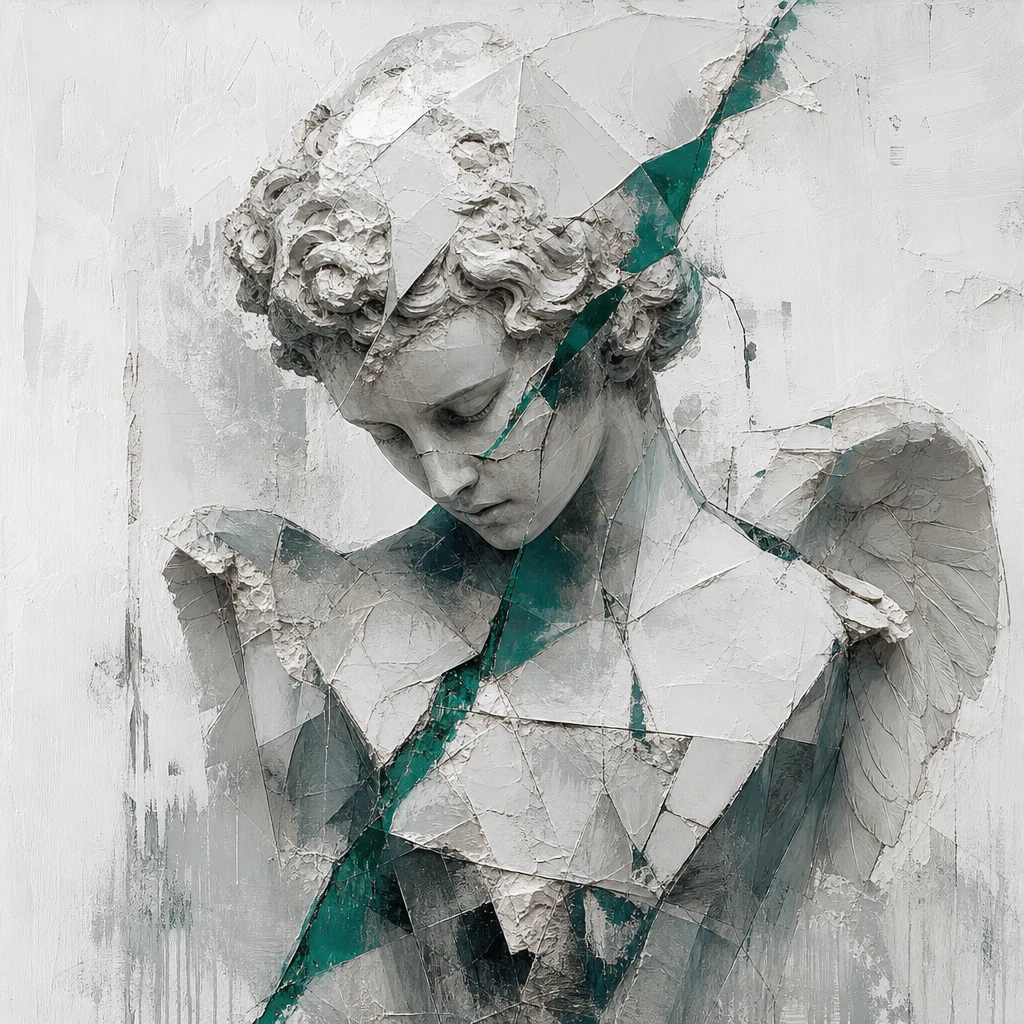
MiniMax H3 Image
Built for image quality and prompt adherence. It handles text-to-image, reference-based generation and image editing. MiniMax says it can generate a 4K (4096 × 4096) image in under 10 seconds and work with up to 16 reference images. In Chinese launch coverage, MiniMax puts its speed at about 1.5 to 2 times that of mainstream tools.
0.8Credits~$0.08Save 20%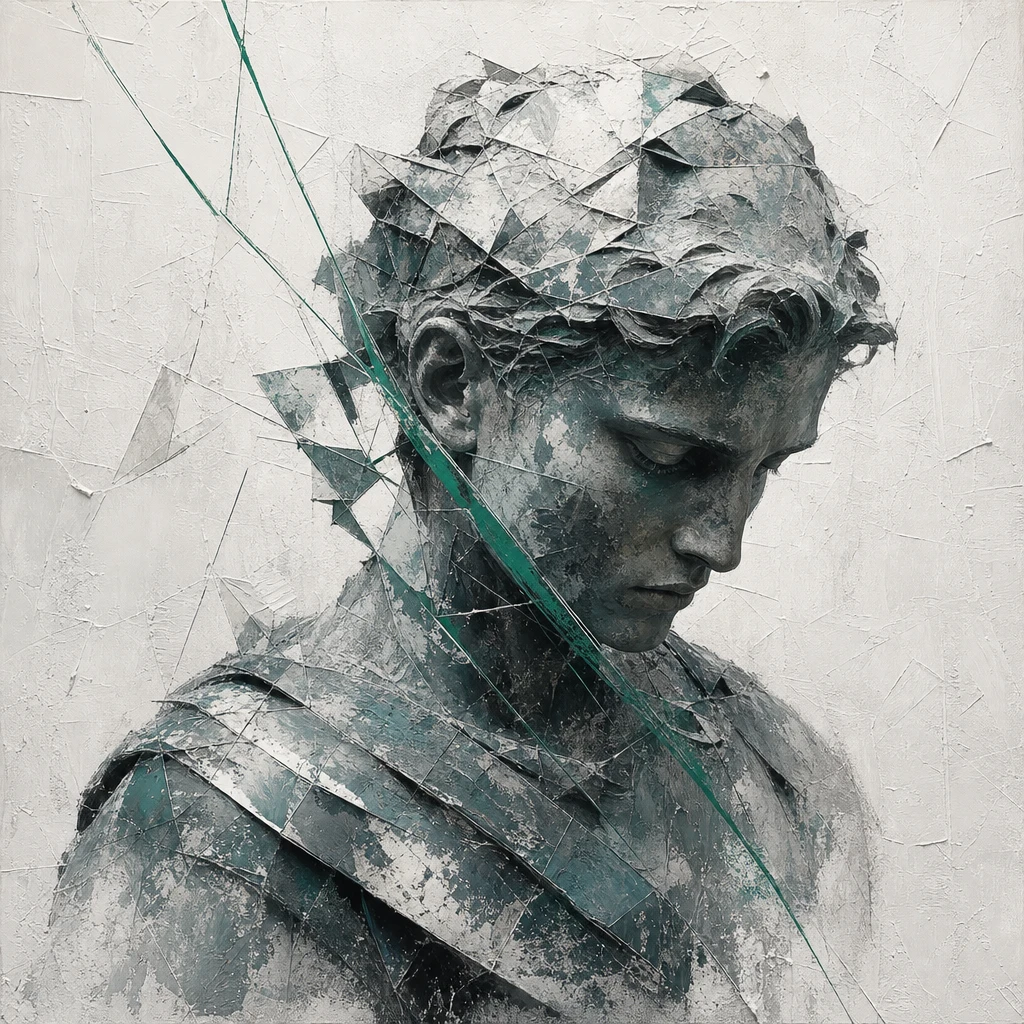
MiniMax H3 Image Highspeed
Built for speed. The same coverage puts it at about 3 to 4 times faster than mainstream tools, which suits batch jobs or anything that needs fast turnaround.
1.52Credits~$0.152Save 20%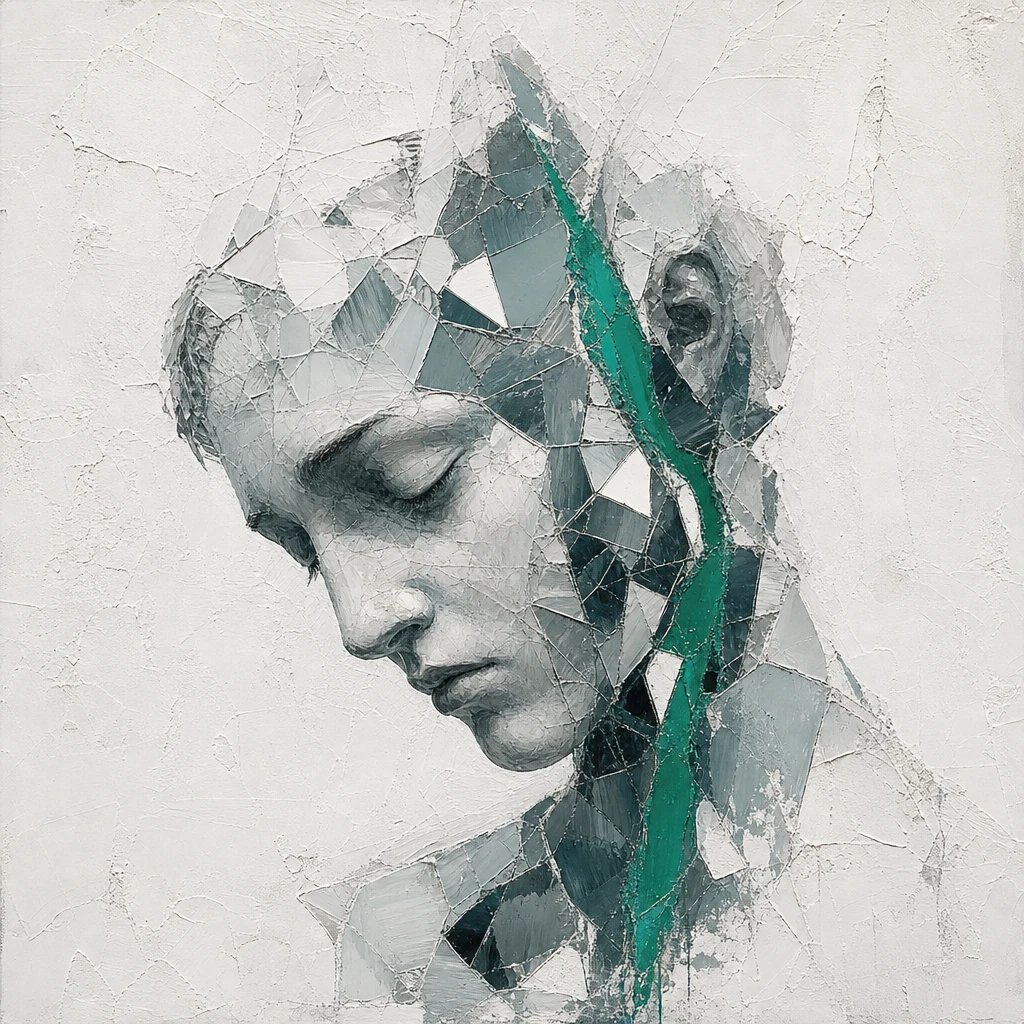
Seedream 5.5
Seedream 5.5 brings your imagination to life through expressive visuals. From dreamy illustrations to cinematic scenes and product concepts, explore color, texture, and light to shape images that tell your story.
0.28Credits~$0.028Save 20%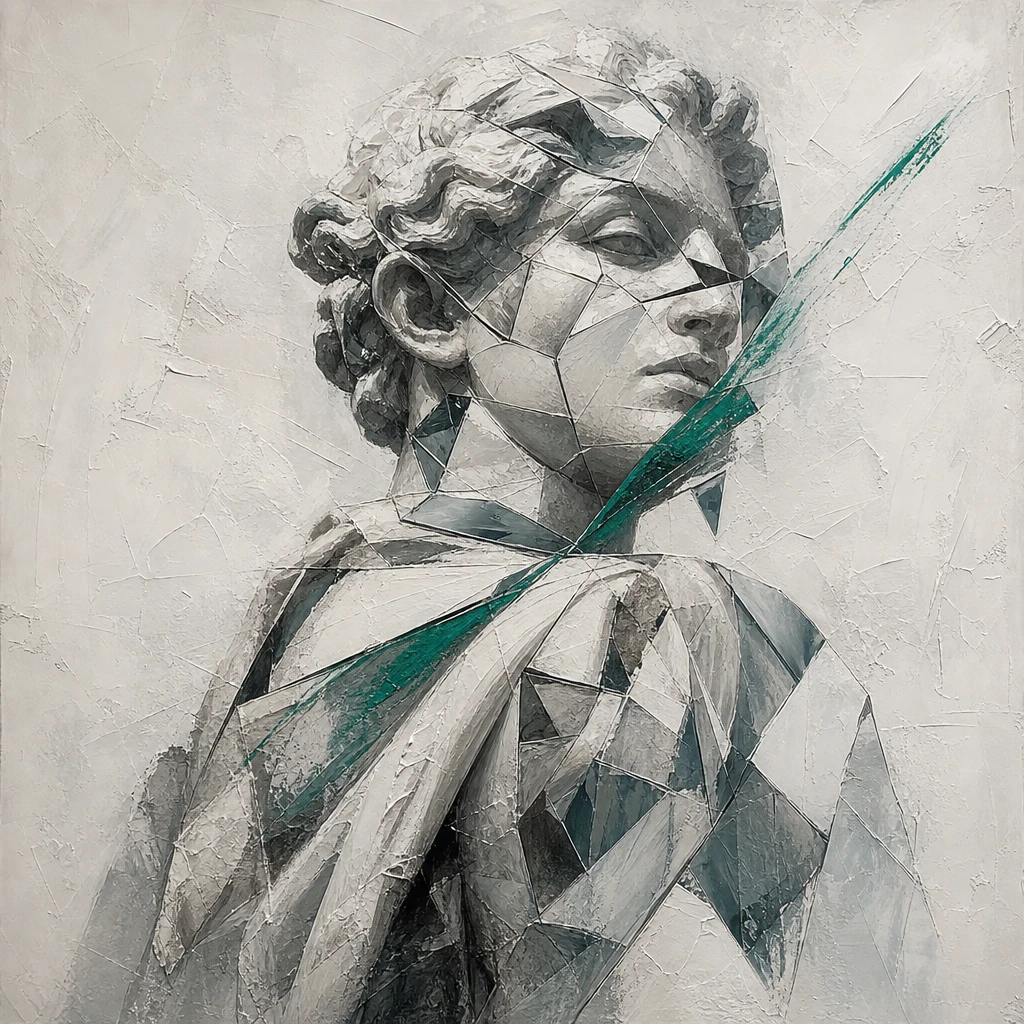
GPT Image 2.6 Sunburst
GPT Image 2.6 Sunburst brings a fresh burst of creativity to your ideas. From vibrant illustrations to atmospheric scenes and striking product concepts, explore rich colors, expressive lighting, and thoughtful compositions that make your vision shine.
Save 20%